AI Tattoo Generator
Describe the tattoo you have in mind, choose a style, and get a clean, ready-to-ink design in about a minute. Download it at full resolution and take it to your artist as a reference - no drawing skill needed, and nothing to install.
Design settings
Describe the subject and one or two supporting details - not ten.
Isolated design on a white background. Pick a placement to preview it on skin.
Tips for better results
- • Describe the subject and its pose - “a fox curled around a moon”.
- • Add one or two supporting details, not ten.
- • Pick a placement to preview it on skin, or leave “Design only”.
Canvas
Your generated tattoo will appear here
1 free credit when you sign in · high-res, no watermark
Three steps, and the second one matters most.
Describe the tattoo
Write it the way you'd explain it to an artist - the subject, one or two supporting details, and roughly where it goes. "A fox curled around a crescent moon, for my forearm" works far better than "fox tattoo".
Pick a style
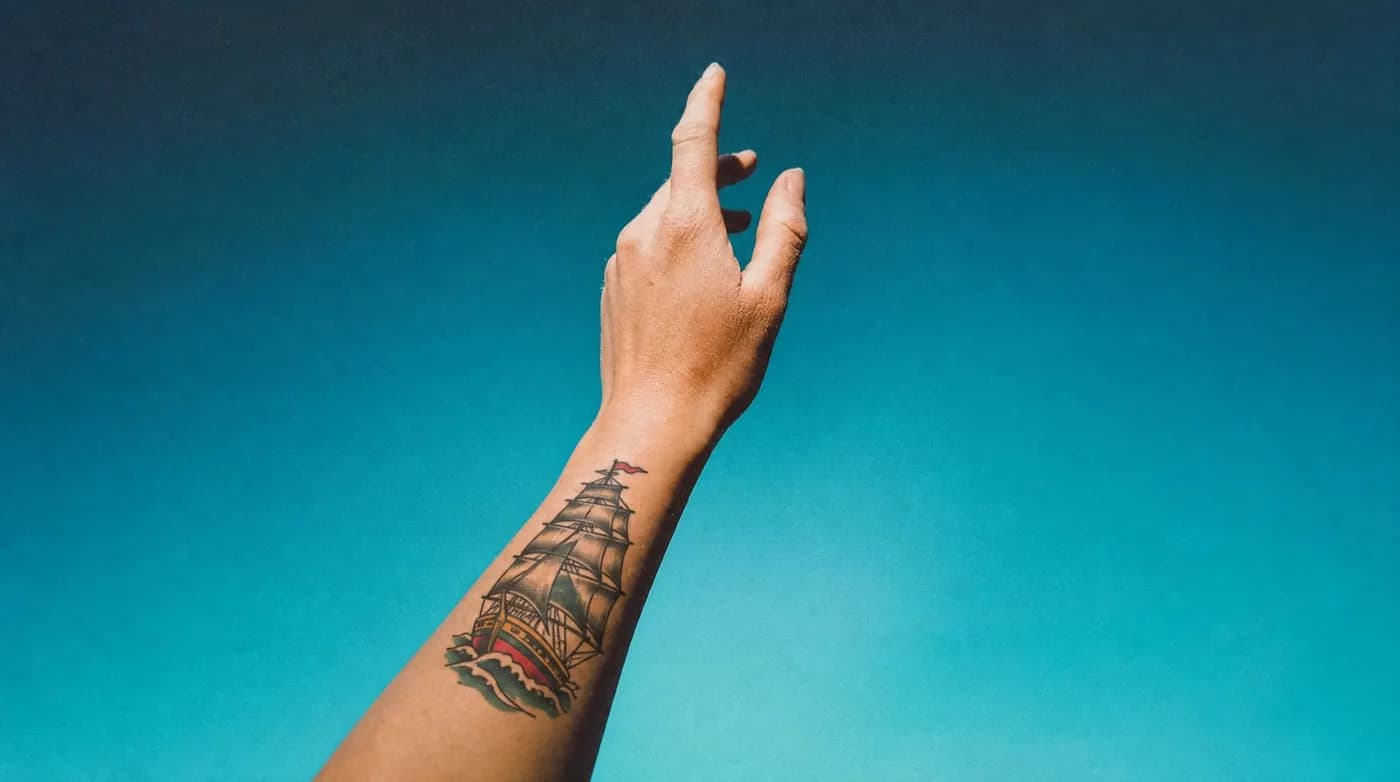
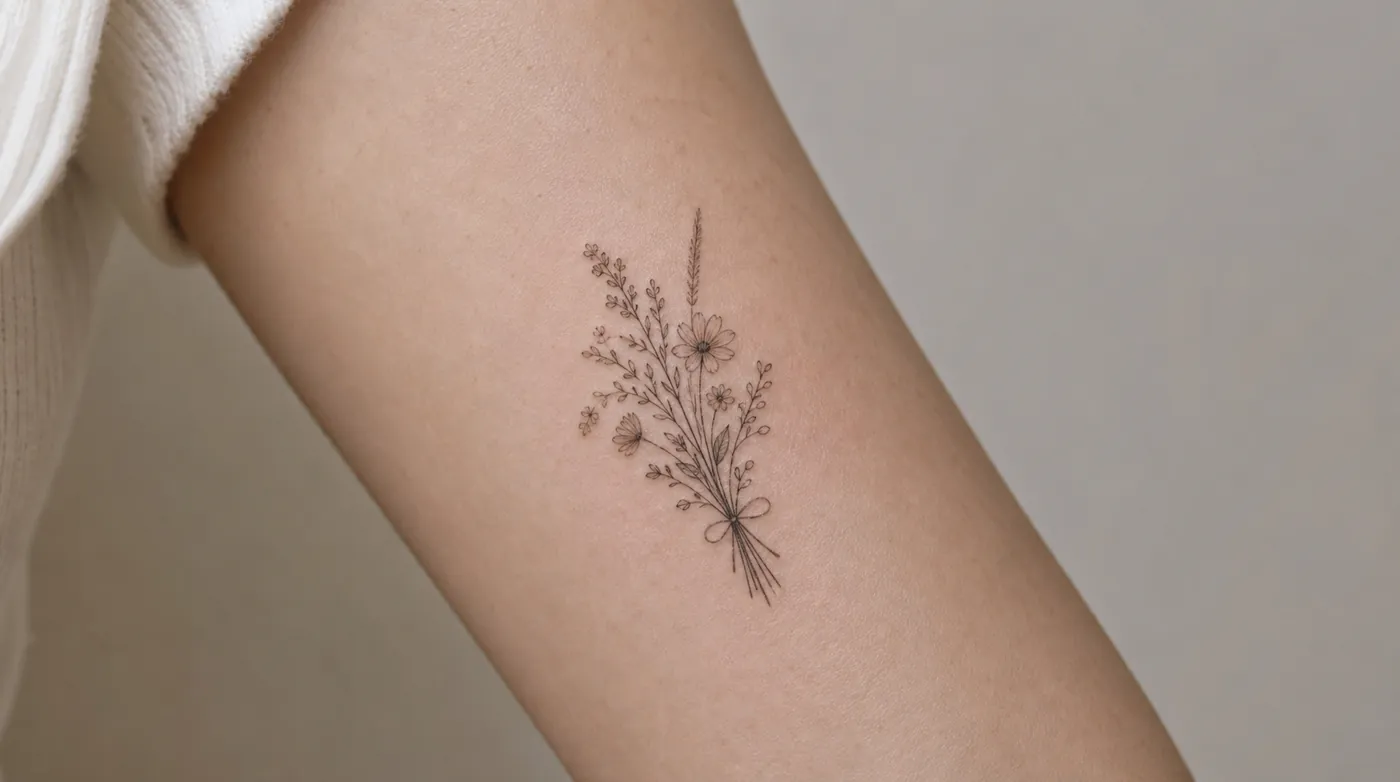
Style decides how the design is drawn and how it will age. Fine line gives you thin, delicate work; American traditional gives bold lines that hold up for decades. Choosing on purpose keeps the result coherent.
Generate and refine
Treat the first image as a draft. Change one thing at a time - simplify the background, swap the flower, flip the orientation - until it reads the way you pictured it. Then download the high-res file.
Mostly people who know the feeling but not the picture.
If you're getting your first tattoo
The hardest part of a first tattoo is not knowing how to describe what you want. Generating a few versions is a low-stakes way to work out whether you actually want the fine line version or the bold one - before you're sitting in a chair paying by the hour.
If you already have work done
Useful for testing whether an idea fits the space you've got left, and for seeing how a subject reads in a style that matches your existing pieces rather than fighting them.
If you're a tattoo artist
Faster than sketching six thumbnails to find out which composition a client is responding to. Most artists use it as a reference-gathering step, then draw the real thing themselves - which is the right way round.
Pick the style before you pick the subject.
The same idea comes out completely differently depending on the style - and they don't all age the same way. Each of these has a full breakdown of what it suits and where it holds up.
Fine Line
What fine line tattoos are, who they suit, where they age best, and how to generate a clean single-needle design you can take to your artist.
Black & Grey Realism
How black and grey realism works, the subjects it suits best, and how to describe a portrait or animal design the generator can render with real depth.
Japanese (Irezumi)
A plain-language guide to Japanese irezumi tattoos - the classic motifs, their meanings, how the style is composed, and how to design one with AI.
Minimalist
What makes a minimalist tattoo work, the best placements for small designs, and how to generate a simple, meaningful piece that stays clean over time.
Geometric
How geometric tattoos use symmetry, line and dotwork, which placements suit them, and how to describe a precise geometric design to the generator.
American Traditional
The bold, time-tested American traditional style - its classic motifs, why it ages so well, and how to design a clean traditional piece with AI.
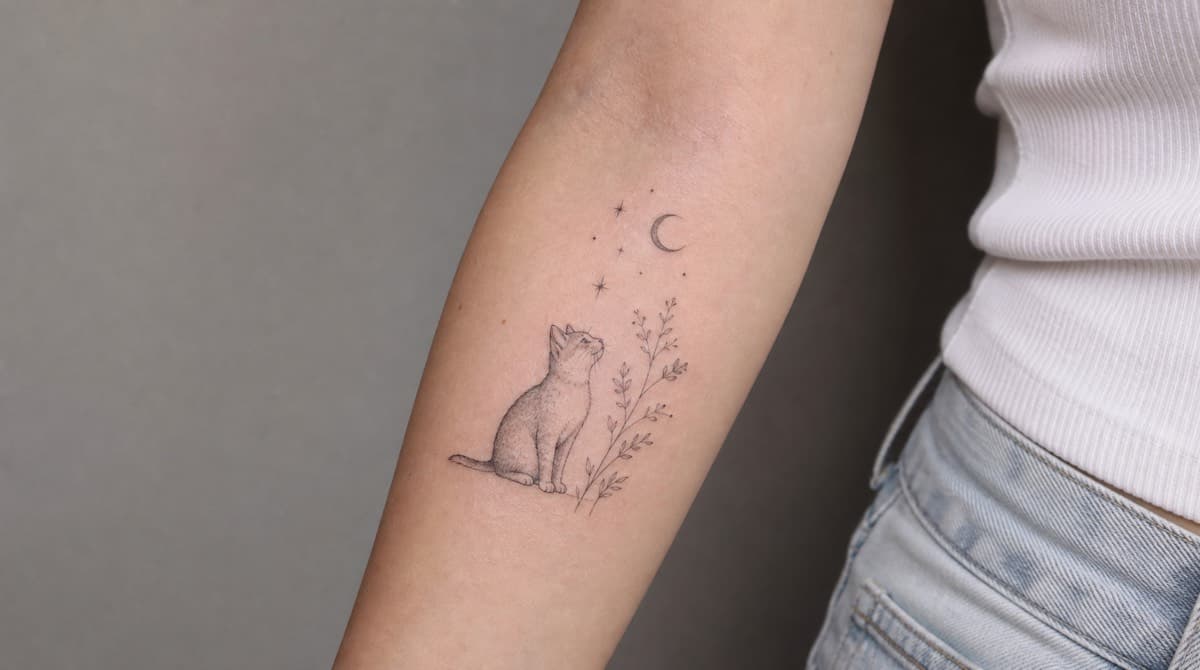
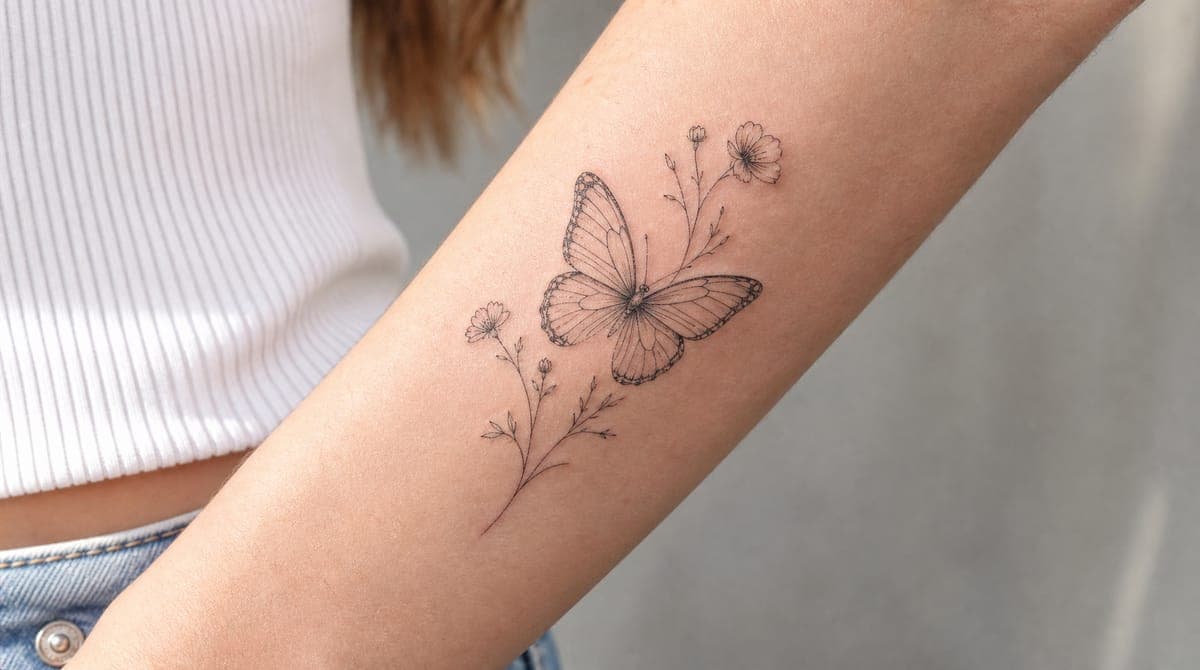
Designs straight from the generator.
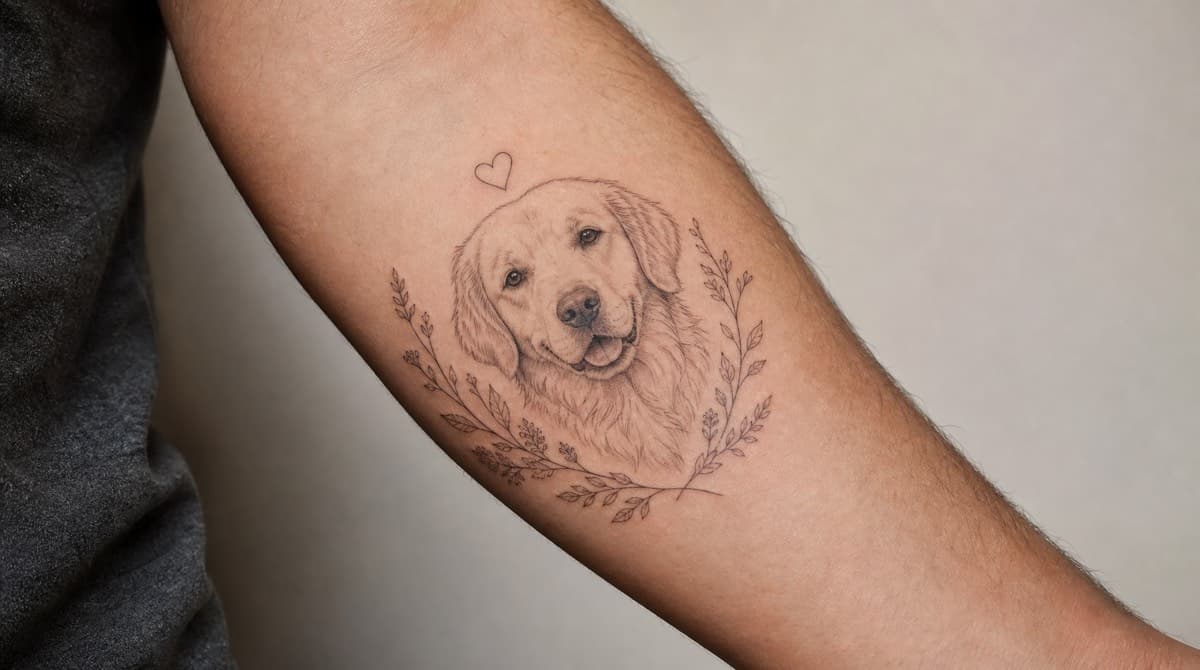
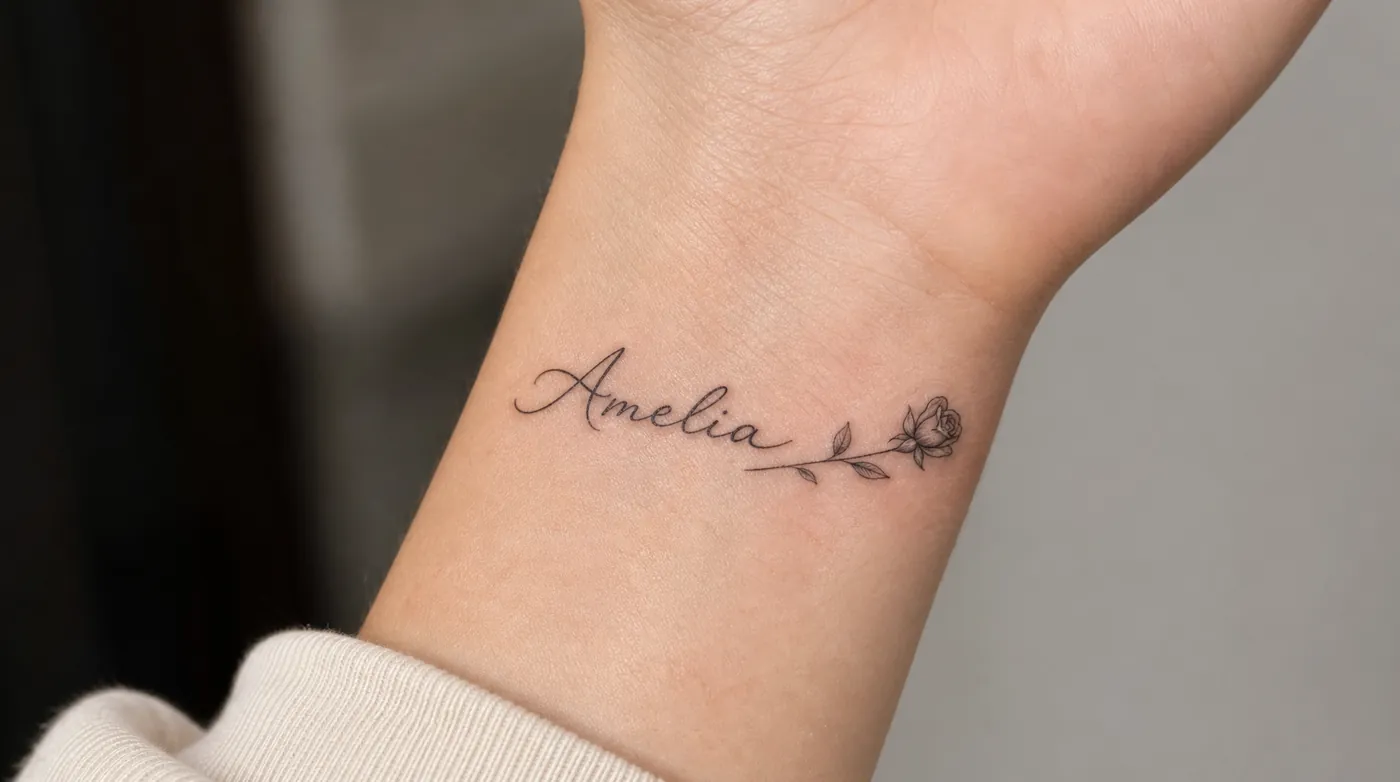
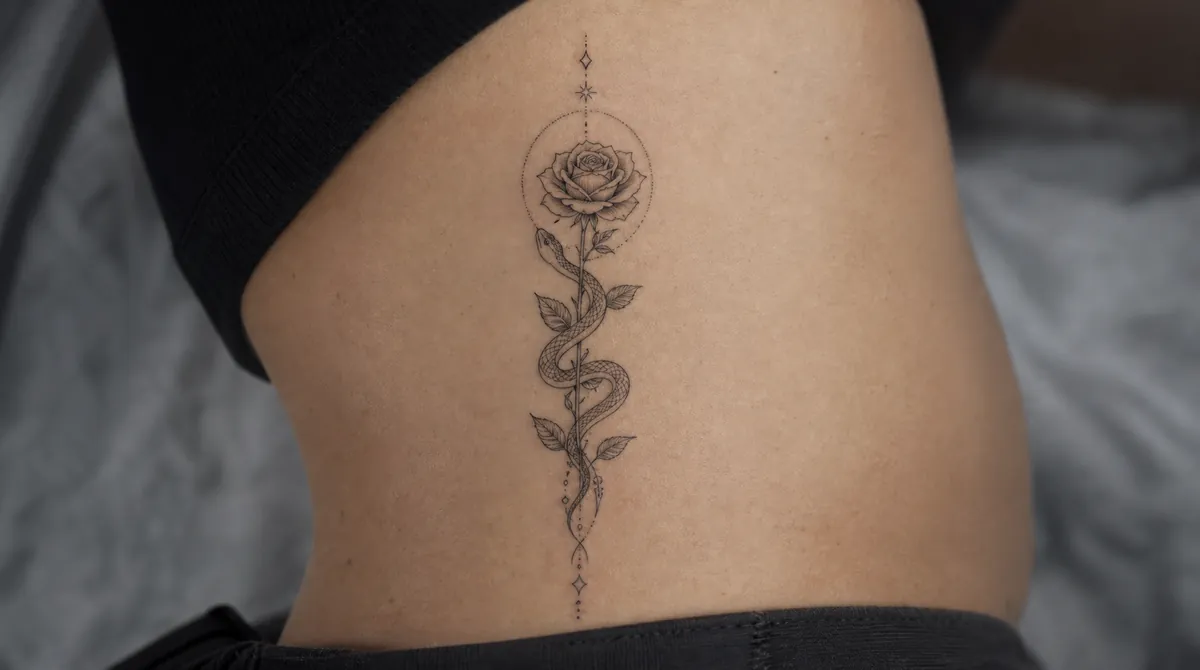
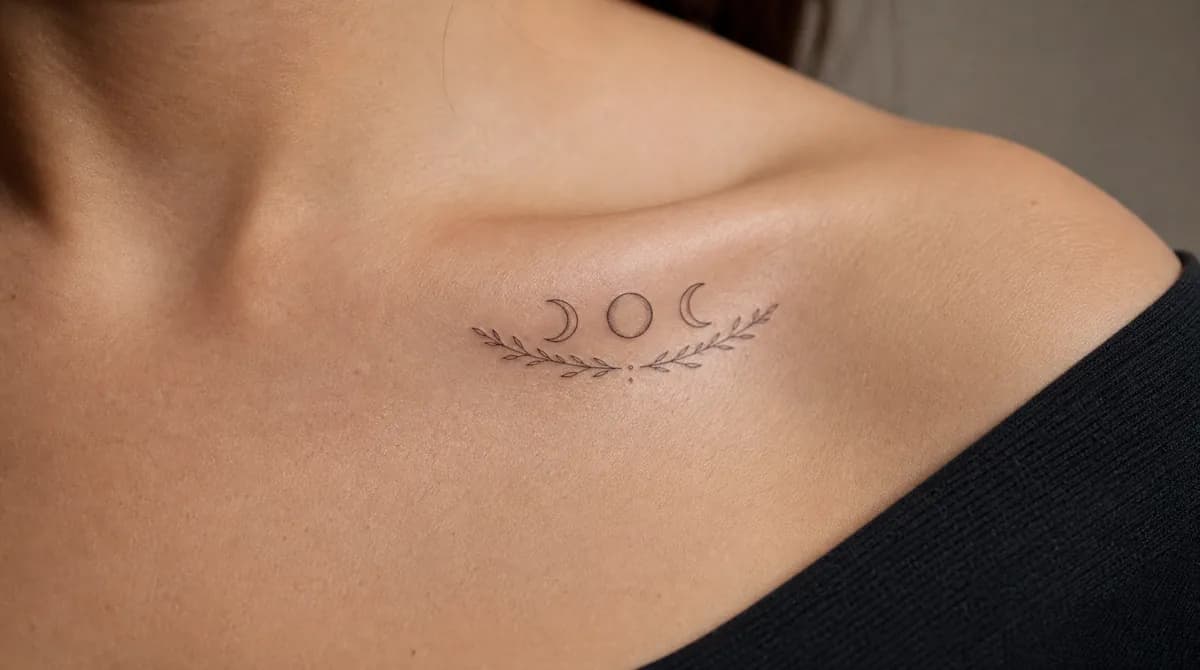
Unedited results, not stock art. Some are flat designs, some are rendered on skin so you can judge the scale.
What this is good at, and where it isn't.
It's a reference tool, not a replacement for an artist
A generated image doesn't know that your forearm curves, that lines under about 1mm blur after a decade, or that the design needs to sit around an existing piece. Those judgements are the job, and they're why the tattoo you end up with should be drawn by a person. Use this to arrive at the studio knowing what you want instead of scrolling Pinterest in the chair.
Detail is the most common problem
Models like packing in fine detail, because it looks impressive on a screen. Skin doesn't work that way - ink spreads slightly over the years, and tightly packed thin lines close up into a smudge. If a design looks intricate at thumbnail size, assume roughly a third of that detail won't survive. Simpler designs almost always make better tattoos. Choosing a placement helps here: the generator sizes the detail to what that part of the body can actually hold.
It won't tell you if the idea is a bad one
The generator will happily render a hand tattoo that'll fade in three years, or something far too small for the amount of detail in it. A good artist will tell you. If you're set on a difficult placement - fingers, feet, inner wrist - ask them before you book, not after.
Questions people actually ask.
- Is the AI tattoo generator free?
- You get one free credit when you create an account, which is enough to generate a full-resolution design and download it. After that, credits are sold in packs starting at $5 for 15 - there's no subscription and credits don't expire.
- Will a tattoo artist actually work from an AI design?
- Most will, provided you bring it as a reference rather than a finished stencil. Artists expect to redraw a design so it fits your anatomy, holds up as it ages, and reads clearly at the size you want. Where you'll meet resistance is handing over an AI image and asking for it to be traced exactly - that skips the part where their judgement makes the tattoo work.
- Can I use the design commercially, or does someone else own it?
- The designs you generate are yours to use, including taking them to a studio and getting them tattooed. What we can't promise is that a similar image doesn't exist elsewhere - that's true of any generative model. If you need certainty for a commercial use, have an artist redraw it.
- Why does my design look slightly different from a real tattoo?
- Generated images tend to include detail that's finer than skin can actually hold. Very thin lines close together will blur over the years, and small text often becomes unreadable. Your artist will thicken lines and open up spacing - that's not them ignoring your design, it's them making it survive.
- How many times should I generate before I settle on something?
- Usually three to five. The first result tells you whether your description was clear; the next few are where you actually refine it. If you're past ten and nothing is landing, the problem is almost always the description rather than the model - get more specific about composition and style.
- Does it show what the tattoo looks like on skin?
- Yes. Leave the placement field empty and you get the flat design on white, which is what you'd hand to an artist. Choose a placement - forearm, ribs, collarbone - and it renders the tattoo on that part of the body instead, sized appropriately for it, which is more useful for judging scale.
Before you book the appointment.
How to Design a Tattoo With AI (Without It Looking Generated)
A step-by-step guide to designing a tattoo with an AI tattoo generator - how to write a prompt, pick a style, and end up with a clean, artist-ready design.
Are AI Tattoo Designs Any Good? An Honest Look
An honest look at whether AI tattoo designs are actually usable - where they shine, where they fall short, and how to get results a tattoo artist can work with.
How to Take an AI Tattoo Design to Your Artist
How to bring an AI-generated tattoo design to a real artist - what to prepare, what to expect, and how to work together so the final tattoo is even better.
Start with the idea in your head.
One free credit to start. High-resolution download, no watermark.
Design your tattoo