How to Take an AI Tattoo Design to Your Artist
You've generated a design you love. The last and most important step is a human one: getting it onto skin well. Here's how to bring an AI design to a tattoo artist in a way that respects their craft and gets you a better result.
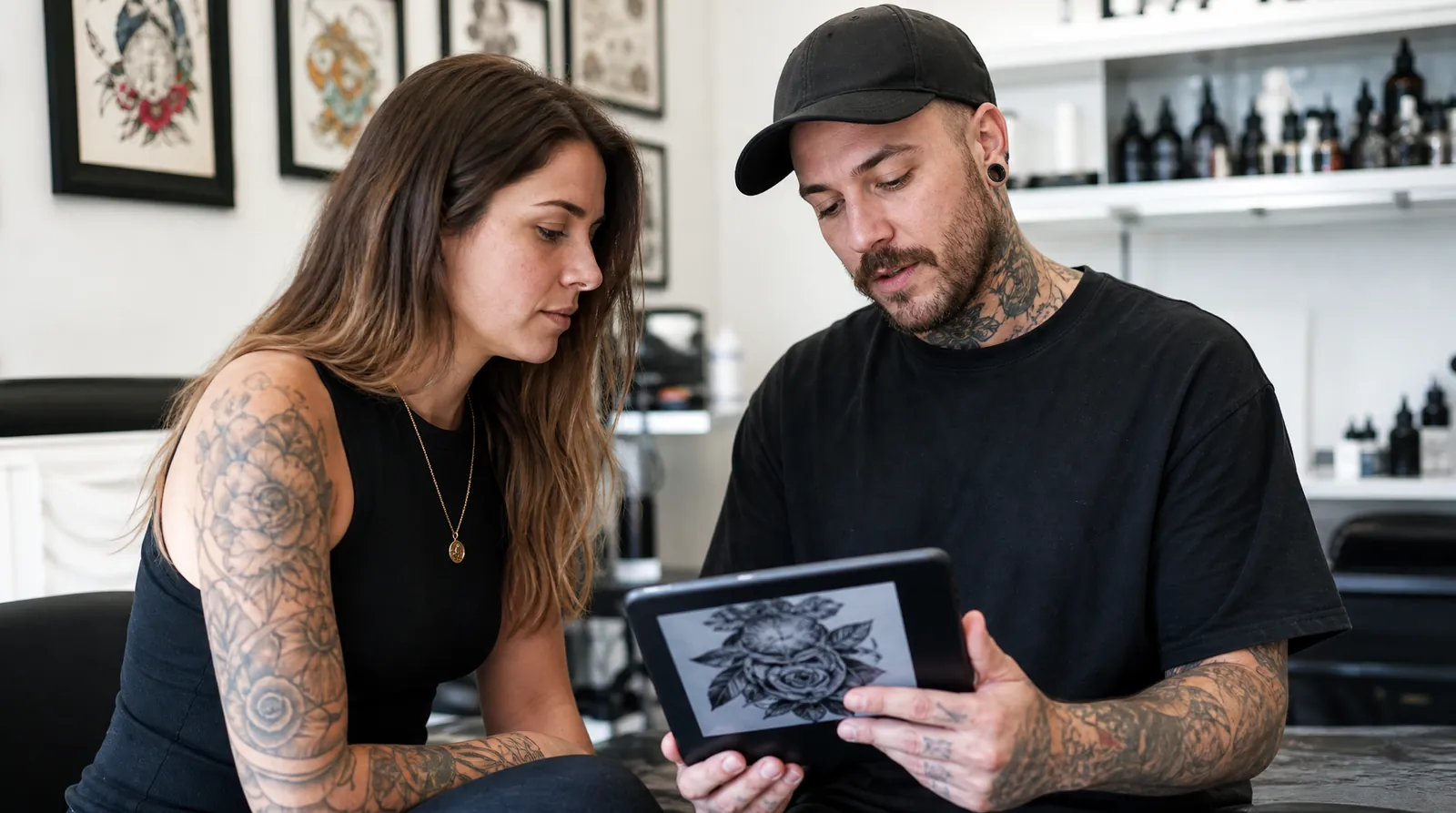
Bring it as a reference, not an order
The best way to arrive is "here's the direction I'm going for" rather than "copy this exactly." Artists are designers, not printers. Framing your AI design as a reference invites them to improve it - fixing proportions, strengthening the linework, and adapting the flow to your body - instead of just tracing a flawed image.
Most artists genuinely appreciate a clear reference. It removes guesswork and gets you both on the same page fast.
Say it's AI-generated, up front
Lead with it. Not as an apology - just as information, in the first message: "I generated this as a reference for the direction, and I'd like you to redraw it your way."
Two reasons this matters. Practically, it tells the artist not to trust the details: they'll know the linework is decorative rather than considered, and that anything structural is theirs to fix. Professionally, artists have varied and often strong opinions about AI trained on work like theirs, and some studios have an explicit policy. Finding that out in a first message costs nothing. Finding it out when you're already in the chair is a bad afternoon for everyone.
If an artist says they'd rather not work from AI references, that's a legitimate position rather than a rejection of you. Ask whether they'd design something from a written brief instead - the thinking you did to write the prompt is exactly the brief they need.
What to prepare before the appointment
- A high-resolution copy of the design - download the full-quality file, not a screenshot.
- The placement and rough size you have in mind, ideally pointed to on your body.
- A note on what you love about it - the mood, the specific elements - so the artist keeps what matters if they adjust things.
- The prompt you used. It describes your intent more precisely than a from-memory summary will.
- One or two references of the artist's own work you're drawn to, so they can see how your idea meets their style.
- An open mind about changes that will help it age: slightly thicker lines, a little more spacing, less micro-detail.
Questions worth asking at the consultation
A consultation is a conversation, and the useful version of it is mostly you asking things rather than presenting a finished plan. The ones that change the outcome:
- "Will this hold up at the size I want, or should it be bigger?" Size is the single most common adjustment, and artists are usually right about it.
- "What would you change to make it age better?" This gets you their real read rather than a polite yes.
- "Does this placement work with how the design is composed?" A vertical design on a horizontal space is a redraw, not a tweak.
- "Is any of this going to be a problem to tattoo?" Fine detail, tight parallel lines and heavy black next to fine work all have practical constraints.
- "How many sessions, and what's the deposit?" Worth settling before the stencil, not after.
Expect - and welcome - changes
A good artist will almost always tweak an AI design, and that's a feature, not a rejection. They're accounting for things a generator can't: how your skin takes ink, how the piece should wrap a curved surface, and which details will survive years of wear.
If an artist tells you a design won't hold up as-is, listen. That feedback is exactly the expertise you're paying for, and it's the reason the tattoo will still look good long after the screenshot is forgotten.
The one thing worth holding firm on is meaning. If an element matters to you personally, say so explicitly - artists will happily design around a fixed point, but they can't protect something they don't know is load-bearing.
Respect the collaboration
AI handles the blank-page problem; your artist handles everything that makes a tattoo last. Treat it as a collaboration and you get the best of both - a specific starting point you're excited about, refined by someone who knows how to put it on skin.
And if the consultation sends you back to the drawing board, that's a normal outcome rather than a failed one. Regenerate with what you learned - a brief informed by an artist's feedback produces a far better reference than the one you started with.
Frequently asked
- Will a tattoo artist work from an AI design?
- Most will happily use it as a reference. Bring it as a starting point and be open to their adjustments - that's how you get a design that both matches your vision and works as a real tattoo.
- What file should I bring to the studio?
- The full-resolution download, not a phone screenshot. Higher quality gives your artist the detail they need to redraw or resize cleanly.
- Should I tell my tattoo artist the design is AI-generated?
- Yes, and say it in your first message rather than at the appointment. It tells them the details aren't considered and are theirs to fix, and it surfaces any studio policy on AI references while it's still easy for both of you to change course.
- What if the artist wants to change my design?
- Expect it - that's the expertise you're paying for. Changes are usually about size, line weight, spacing and how the composition sits on a curved surface. Be explicit about any element that carries personal meaning so they design around it rather than through it.
- How much should I expect to pay?
- Rates vary widely by artist, location and how much redrawing your reference needs, so ask directly during the consultation. A design that needs substantial reworking takes design time, and it's normal for that to be reflected in the quote or covered by the deposit.
- Can I just print the AI design and use it as a stencil?
- Technically possible, genuinely a bad idea. Generated designs typically have inconsistent line weights and detail that won't survive as ink, and a straight print skips the step where someone checks the piece works on your body. Any reputable artist will want to redraw it first.
Put it into practice.
Describe your idea and get a clean, ready-to-ink design in seconds.
Start designing